How it works · Check the copy
VerificationCheck the saved copy.
After redaction, Excise PDF reopens the copy it created and checks it again. The receipt shows what it inspected and whether the information you marked was still found.
What it checks
| Check | What Excise does |
|---|---|
| Page text | Reads every page in the saved copy and searches it for the information you marked. |
| Hidden document data | Checks metadata, form values, bookmarks, annotations, and the other supported hidden-data categories. |
| Marked areas | Checks the exact areas you selected in the saved copy. |
| Image-converted pages | Uses on-device OCR and identifies that check separately on the receipt. |
The result is Verified, Review required, or Not verified, with the reason shown when something still needs attention.
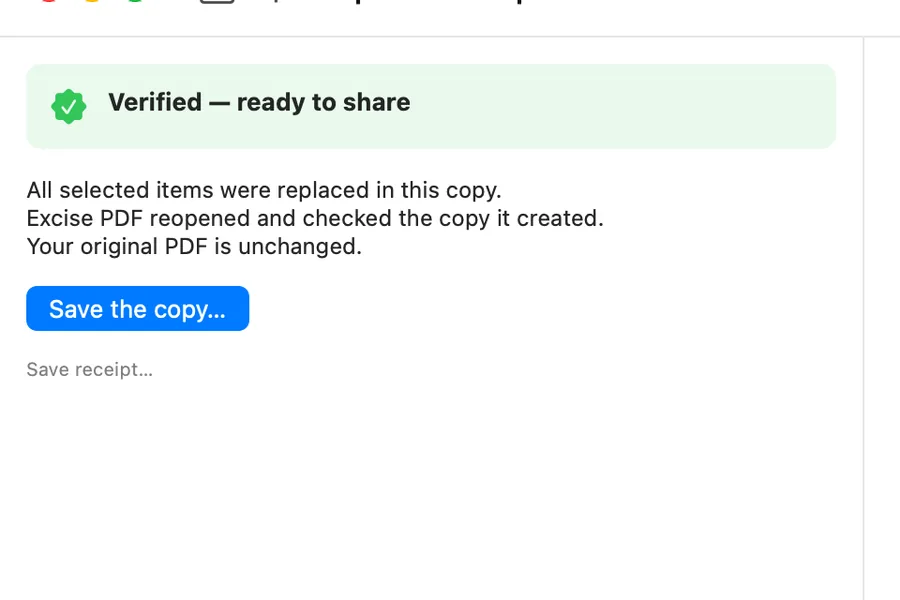
The Ready view shows the checked copy and its result before you save.
Excise PDF is available for Windows, Mac, iPhone, and iPad.